
Top Tips for Optimising Microsoft Word for Fast Reporting
- Tony Whittam
- Jun 23
- 6 min read
If you produce reports regularly, the Top Tips for Optimising Microsoft Word for Fast Reporting below will help you work more efficiently. Don't waste valuable time on the formatting and structure of documents.
We understand that people don't want to spend hours in front of a computer trying to find their way around Word. That's why we love developing templates and automated reports to help people do their job well, to save them time and to save them from frustration.

Key Takeaways
Question | Quick Answer |
What is the fastest way to speed up Word reporting? | Build on a robust template so structure and formatting are done for you before you start typing. |
How do I keep wording consistent across reports? | Use a central approved text library so common phrases are reused, not retyped. |
Do I need to be technical to optimise Word? | No. Good Word templates are intuitive to use, so you don't need a good technical knowledge of Word. |
How do styles help with fast reporting? | Styles apply headings, numbering and fonts consistently in one click and let you rebuild the contents list automatically. |
Can I insert full sections automatically? | Yes. Insert full sections instantly; build reports in minutes, not hours. |
Why do my templates break for other people? | Usually compatibility issues across PC/Windows versions, or designs that were never properly tested. |
Start With a Robust Template, Not a Blank Page
The single biggest of the Top Tips for Optimising Microsoft Word for Fast Reporting is simple. Stop building every report from scratch.
A blank document means you spend the first hour fixing margins, fonts and headings before you write a word. A good template removes all of that.
We can develop reliable and robust custom templates to help you work more efficiently. Our collection of Word templates is designed to streamline reporting workflows and keep formatting consistent every time.
If a document is structured properly from the start, you focus on content rather than layout. That is where the real time saving comes from.
We spend a lot of time recreating templates that have been previously developed by people who have a good knowledge of Word but not quite the expertise to produce robust templates that work consistently for everyone, including people who may not be that technically minded.
Use Styles to Apply Formatting in One Click
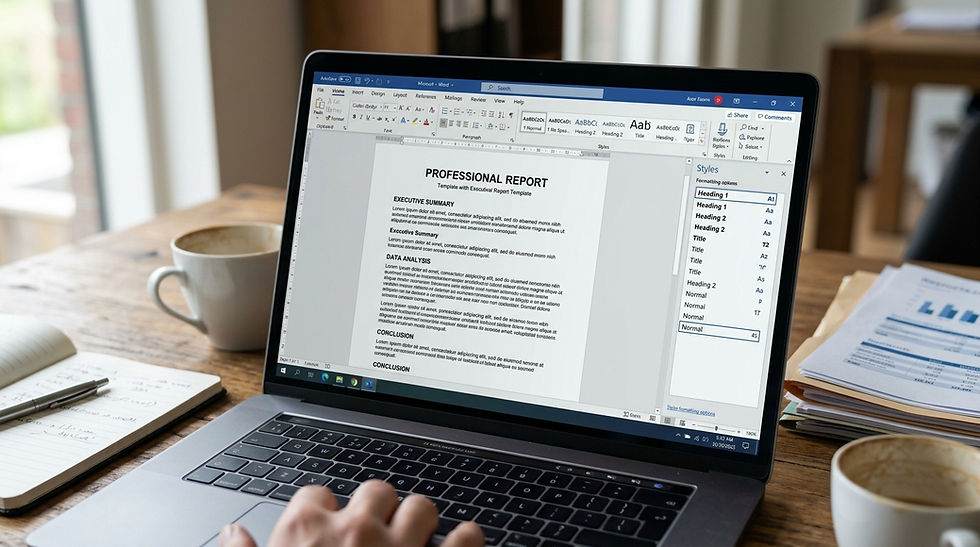
Styles are the engine behind fast Word reporting. If you are still formatting headings by hand, you are doing far more work than you need to.
Set up Heading 1, Heading 2 and body styles once, then apply them in one click. Change the style, and every matching heading updates across the whole report.
Styles also let you build a contents list that rebuilds automatically. No more manually checking page numbers when a section moves.
Consistency: every report looks consistently on-brand.
Speed: reformat a whole document in seconds.
Team-ready: colleagues use the same styles, so reports match.
Why not check how your current documents handle headings? If the numbering breaks when you add a section, that is a sign the styles were never set up properly.

Build an Approved Text Library for Reusable Wording
So much of report writing is the same wording, repeated again and again. Standard clauses, disclaimers, methodology paragraphs and conclusions all reappear in document after document.
A central, approved library keeps wording compliant and consistent across your organisation. Rather than copy and paste from an old file, you insert approved text directly.
Our Text Library stores reusable text blocks and boilerplate language so drafting is faster and consistent. You can also use a form-based set of text blocks to insert standard language straight into your Word templates.
If you prefer ready-made blocks to drop into reports, the downloadable text blocks are Word-ready and can be pasted into documents in seconds.

This infographic highlights five essential tips to speed up Word reporting and optimize Microsoft Word for faster document workflows. Implementing these tips can save time on reporting tasks.
Insert Full Sections Instantly With Automation
One of the most useful Top Tips for Optimising Microsoft Word for Fast Reporting is to automate the repetitive parts of building a report. You don't need to be technical to benefit from it.
We add custom ribbon buttons, automated functions and macros so non-technical staff can build reports without learning the mechanics of Word. Insert full sections instantly; build reports in minutes, not hours.
Whether it is an executive summary, a methods section, findings or conclusions, the structure is already built. You add the detail and the template handles the rest.
Our client report template shows this in practice, with structured sections to present client data clearly and professionally. It is a good example of how a template designed around the work itself removes hours of formatting.
Avoid the Compatibility Issues That Slow Teams Down
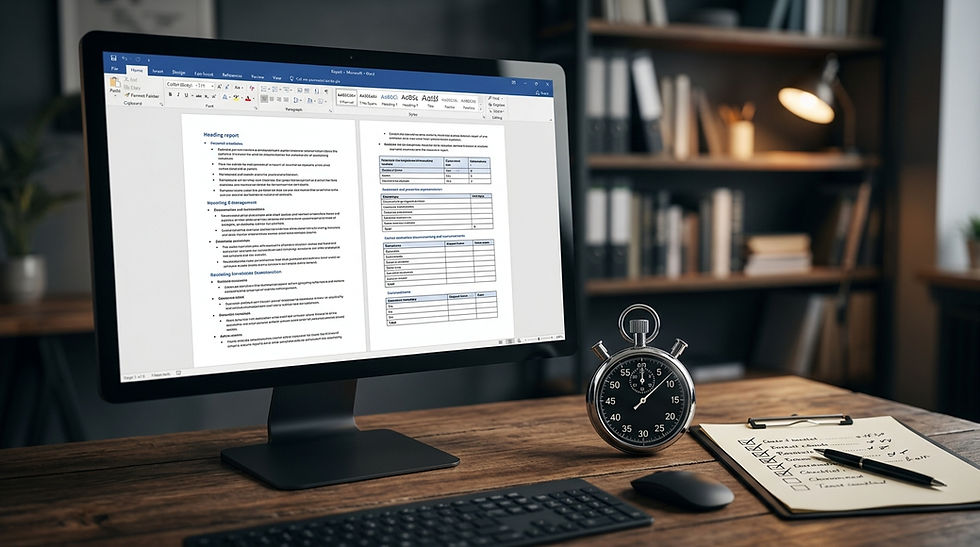
A template is only useful if it works reliably every time, for everyone. Too often a document looks perfect on one machine and falls apart on another.
These are some of the many problems we have come across in inadequately developed templates. Fonts shift, numbering breaks, and layouts move depending on the PC/Windows version in use.
We develop and test templates so they work consistently across versions and, where needed, flag any Mac compatibility caveats up front. If a colleague opens your report and it looks wrong, the template was never robust to begin with.
Common Problem | What It Costs You | The Fix |
Manual heading formatting | Hours per report | Built-in styles |
Retyping standard clauses | Inconsistent wording | Approved text library |
Layout breaks on other PCs | Rework and frustration | Tested, robust templates |
Contents list out of date | Errors before sign-off | Auto-updating fields |
Standardise Reporting Across Departments and Teams
If several people or teams produce reports, consistency becomes a real challenge. Everyone formats slightly differently, and the brand drifts.
Standardised templates fix this without forcing everyone to become a Word expert. Our resources for report writers support structuring, language and presentation so reports stay consistent whoever produces them.
For larger organisations, our publication team templates are designed to speed up multi-department reporting workflows. Everyone works from the same approved base, so output matches across the business.
A central system also means knowledge stays in-house. You can maintain and extend the templates yourself rather than depending on one person.

Train Your Team to Use Templates Properly
Even the best template fails if people don't use it, or don't use it properly. That is one of the most common failure modes we deal with.
The answer is usability, not complexity. Our Microsoft Office templates are intuitive to use so you don't need to have a good technical knowledge of Word to use them.
A short training document helps your team adopt new reporting workflows quickly and consistently. When the template is simple and intuitive, people actually use it the way it was intended.
Have you checked whether your team is fighting Word or working with it? If staff still reformat by hand, the template needs to do more of the work for them.

Robust Templates
These Top Tips for Optimising Microsoft Word for Fast Reporting all point to the same thing. Build on robust templates, use styles, reuse approved text, automate the repetitive sections, and remove compatibility issues before they cost you time.
You don't need to be technical to do this well. You provide the design and we will create the templates according to your design.
Do you need help with Word, PowerPoint or Excel? If you want to save hours on reporting and keep your documents consistently on-brand, take a look at how we work with clients or learn more about us, then get in touch.
Frequently Asked Questions
What are the best tips for optimising Microsoft Word for fast reporting?
The best Top Tips for Optimising Microsoft Word for Fast Reporting are to start from a robust template, use built-in styles, reuse approved wording from a text library, automate full sections, and test for compatibility. Together these turn hours of formatting into minutes of real work.
Do I need technical skills to speed up Word reporting?
No. Well-built Word templates are intuitive to use, so you don't need a good technical knowledge of Word to produce fast, consistent reports. The template and any automated functions handle the difficult parts for you.
How does a text library make report writing faster?
A text library stores approved phrases and clauses so you insert them instead of retyping or copying from old files. This keeps wording compliant and consistent across your organisation while saving drafting time.
Why do my Word templates break on other computers?
This is usually down to compatibility issues across different PC/Windows versions, or templates that were never properly developed and tested. Robust templates are built and tested to work reliably every time, on every machine.
Can Word reports be automated with custom buttons and macros?
Yes. We add ribbon buttons, automated functions and macros so you can insert full sections instantly and build reports in minutes, not hours, even if you are not technically minded.
How do I keep reports consistent across a whole team?
Use standardised, approved templates so everyone works from the same base, supported by resources for report writers and a simple training document. This keeps reports consistently on-brand whoever produces them.
Are custom Word templates worth it for fast reporting?
If you produce reports regularly, custom templates are well worth it because they save hours per document, improve accuracy and reduce formatting frustration. They also keep the knowledge in-house, so your team can maintain and extend them over time.
Need help with Templates?
We're here to help
You can find more details on our Services Page
Telephone:
+44 (0)20 8242 4256


Comments